19 KiB
Coingecko - Authentication
Pages: 3
Authentication (Public/Demo)
URL: llms-txt#authentication-(public/demo)
Contents:
- CoinGecko API Authentication Method
- API Key Usage Credits
Source: https://docs.coingecko.com/v3.0.1/reference/authentication
Authentication method for CoinGecko Public API (Demo plan users)
### **Notes**- Demo API Key is only available for CoinGecko Public Demo API Plan, the root URL for CoinGecko Public Demo API must be
https://api.coingecko.com/api/v3/.- ⚠️ You are recommended to store the API key securely in your own backend and use a proxy to insert the key into the request URL.
- The authentication method below is for CoinGecko Public Demo API only. For paid plan users with Pro-API key, please refer to this page instead.
- User Guide: How to sign up for CoinGecko Demo API and generate an API key?
- It's highly recommended to use the Headers method when making API requests for better security. Using query string parameters can risk exposing your API key.
CoinGecko API Authentication Method
If this is your first time using the Demo API key, you can supply API Key to the root URL using one of these ways:
- Header (Recommended):
x-cg-demo-api-key - Query String Parameter:
x_cg_demo_api_key
| Authentication Method | Example using Ping Endpoint |
|---|---|
| Header (cURL) | curl -X GET "https://api.coingecko.com/api/v3/ping" -H "x-cg-demo-api-key: YOUR_API_KEY" |
| Query String Parameter | https://api.coingecko.com/api/v3/ping?x_cg_demo_api_key=YOUR_API_KEY |
API Key Usage Credits
- Each request made to any endpoint counts as a single call (1 call = 1 credit).
- Your monthly credit & rate limit are determined by the paid plan to which you subscribe. For more details, please refer to this page.
- To check the API usage, please go to the developer dashboard or follow the guide here.
Authentication (Pro API)
URL: llms-txt#authentication-(pro-api)
Contents:
- CoinGecko API Authentication Method
- 🔥 Accessing Onchain DEX data
- API Key Usage Credits
Source: https://docs.coingecko.com/reference/authentication
Authentication method for CoinGecko Pro API (Paid plan subscribers with Pro-API keys)
### **Notes**- Pro API Key is only available for CoinGecko API paid plan subscribers, the root URL for CoinGecko Pro API must be
https://pro-api.coingecko.com/api/v3/.- You are recommended to store the API key securely in your own backend and use a proxy to insert the key into the request URL.
- It's highly recommended to use the Headers method when making API requests for better security. Using query string parameters can risk exposing your API key.
CoinGecko API Authentication Method
If this is your first time using the Pro API key, you can supply API Key to the root URL using one of these ways:
- Header (Recommended):
x-cg-pro-api-key - Query String Parameter:
x_cg_pro_api_key
| Authentication Method | Example using Ping Endpoint |
|---|---|
| Header (cURL) | curl -X GET "https://pro-api.coingecko.com/api/v3/ping" -H "x-cg-pro-api-key: YOUR_API_KEY" |
| Query String Parameter | https://pro-api.coingecko.com/api/v3/ping?x_cg_pro_api_key=YOUR_API_KEY |
🔥 Accessing Onchain DEX data
You can now use the Pro-API key (exclusive to any paid plan subscriber) to call onchain DEX data powered by GeckoTerminal.
### **Notes**- Authentication method for onchain endpoints is exactly same as other endpoints.
- When using the CG Pro API to access onchain DEX data, include the
/onchainendpoint path in the request.
- When using the CG Pro API to access onchain DEX data, include the
| Authentication Method | Example using Simple Token Price Endpoint |
|---|---|
| Header (cURL) | curl -X GET "<https://pro-api.coingecko.com/api/v3/onchain/simple/networks/eth/token_price/0xc02aaa39b223fe8d0a0e5c4f27ead9083c756cc2>" -H "x-cg-pro-api-key: YOUR_API_KEY" |
| Query String Parameter | https://pro-api.coingecko.com/api/v3/onchain/simple/networks/eth/token_price/0xc02aaa39b223fe8d0a0e5c4f27ead9083c756cc2?x_cg_pro_api_key=YOUR_API_KEY |
API Key Usage Credits
- Each request made to any endpoint counts as a single call (1 call = 1 credit).
- Each successful API request (Status 200) will deduct 1 credit from your monthly credit allowance.
- Unsuccessful Requests (Status 4xx, 5xx, etc) will not count towards credit deduction.
- Regardless of the HTTP status code returned (including 4xx and 5xx errors), all API requests will count towards your minute rate limit.
- Your monthly credit & rate limit are determined by the paid plan to which you subscribe. For more details, please refer to this page.
- To check the API usage, please go to the developer dashboard or follow the guide here
Setting Up Your API Key
URL: llms-txt#setting-up-your-api-key
Contents:
-
- Creating a new API Key
-
- Making API Request
-
- Edit or Delete API Key
-
- API Usage Report
-
- Others
- Call Consumption Alerts
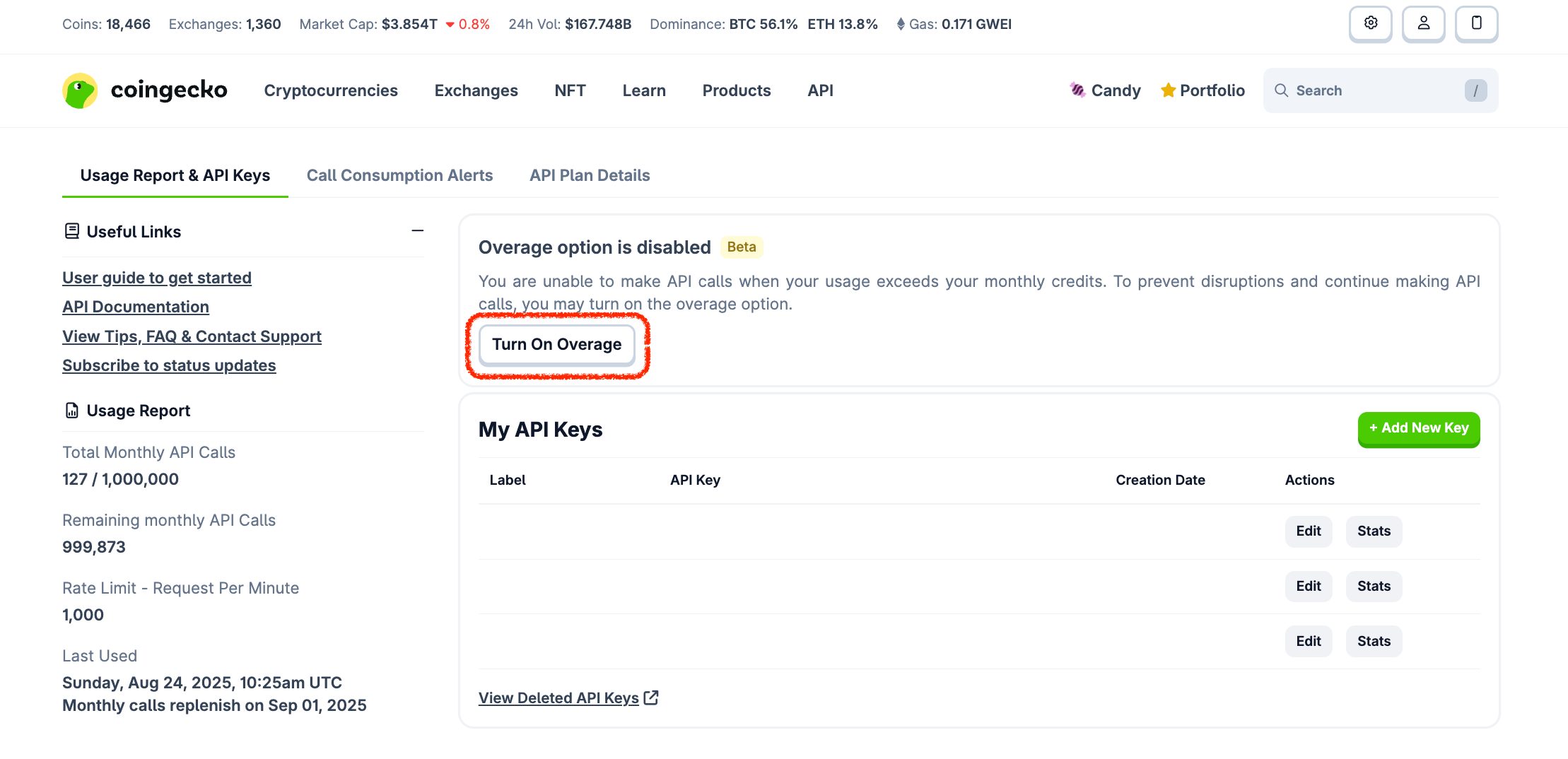
- Overage Option (Beta)
Source: https://docs.coingecko.com/docs/setting-up-your-api-key
👋 New to CoinGecko API? Sign up for an account here
1. Creating a new API Key
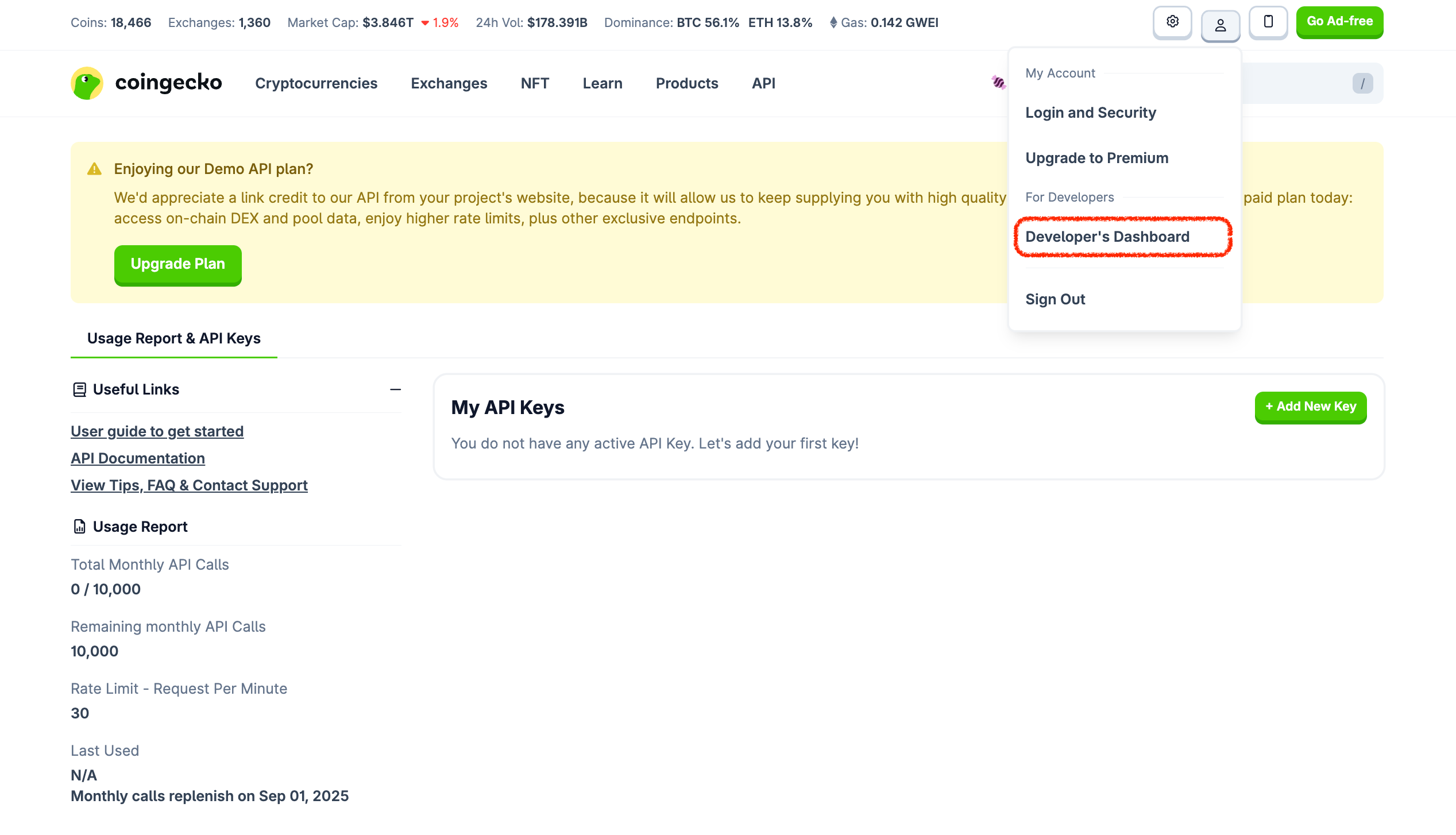
- Once you have signed up and logged in to your CoinGecko account, go to Developer Dashboard:
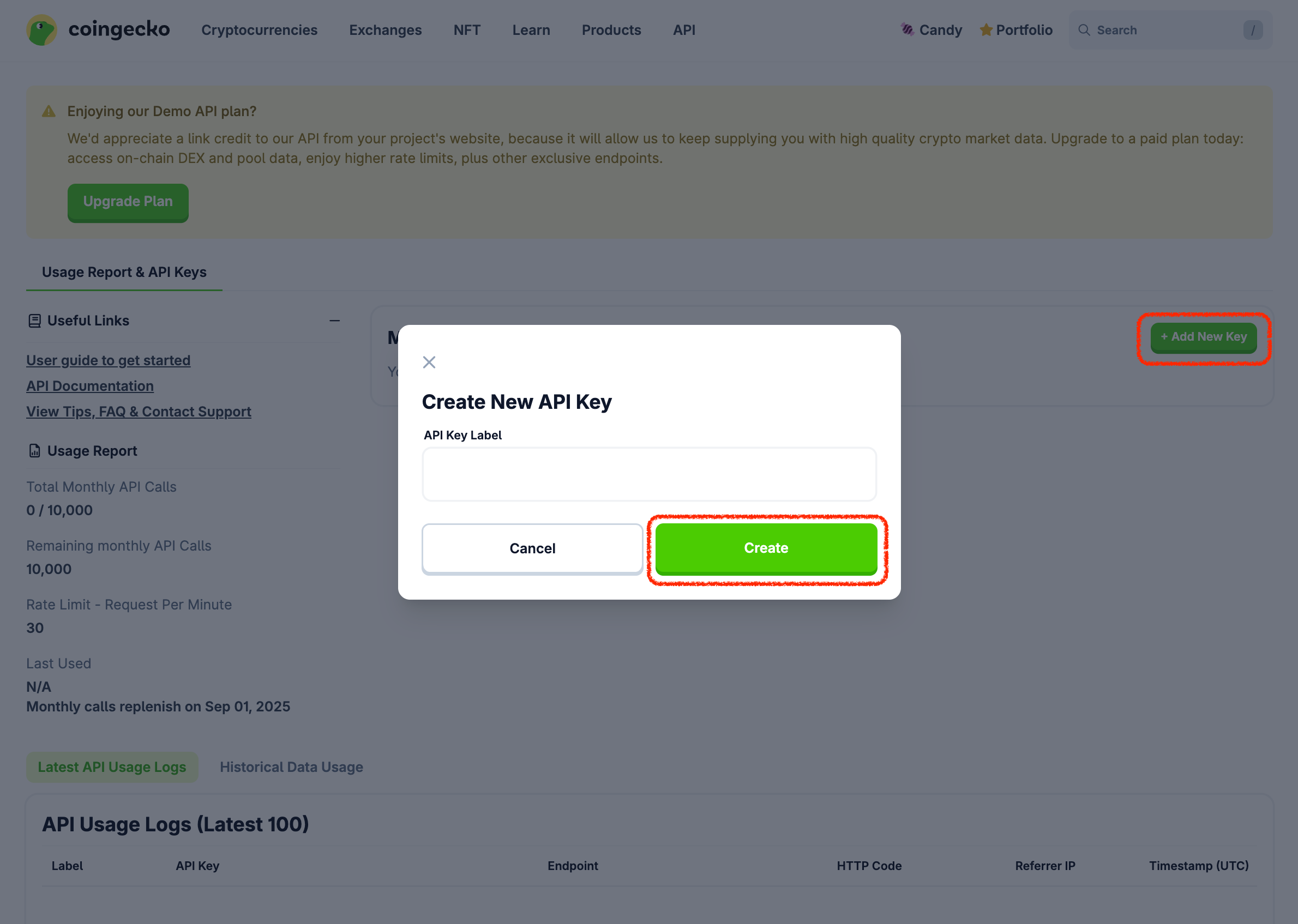
- Click on + Add New Key button to create a new API key:
2. Making API Request
-
Root URLs:
- Pro API:
https://pro-api.coingecko.com/api/v3/, refer to Pro API Authentication. - Demo API:
https://api.coingecko.com/api/v3/, refer to Demo API Authentication.
- Pro API:
-
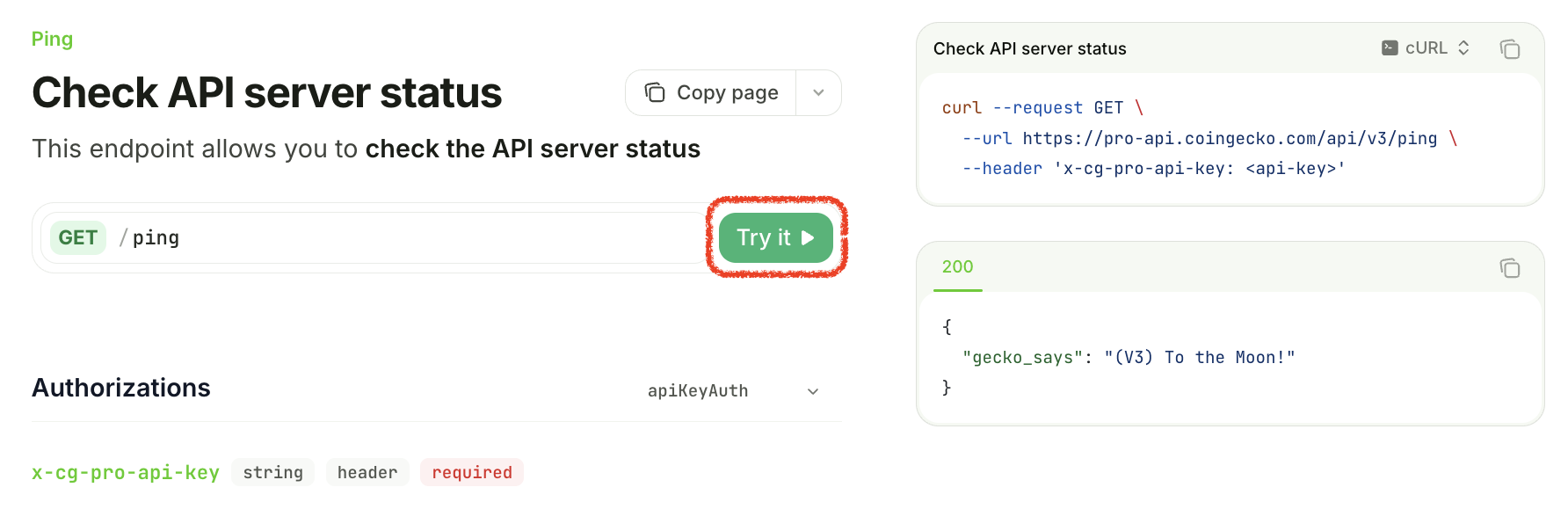
Example using the
/pingendpoint: -
Pro API:
https://pro-api.coingecko.com/api/v3/ping?x_cg_pro_api_key=YOUR_API_KEY- Demo API:
https://api.coingecko.com/api/v3/ping?x_cg_demo_api_key=YOUR_API_KEY
- Demo API:
3. Edit or Delete API Key
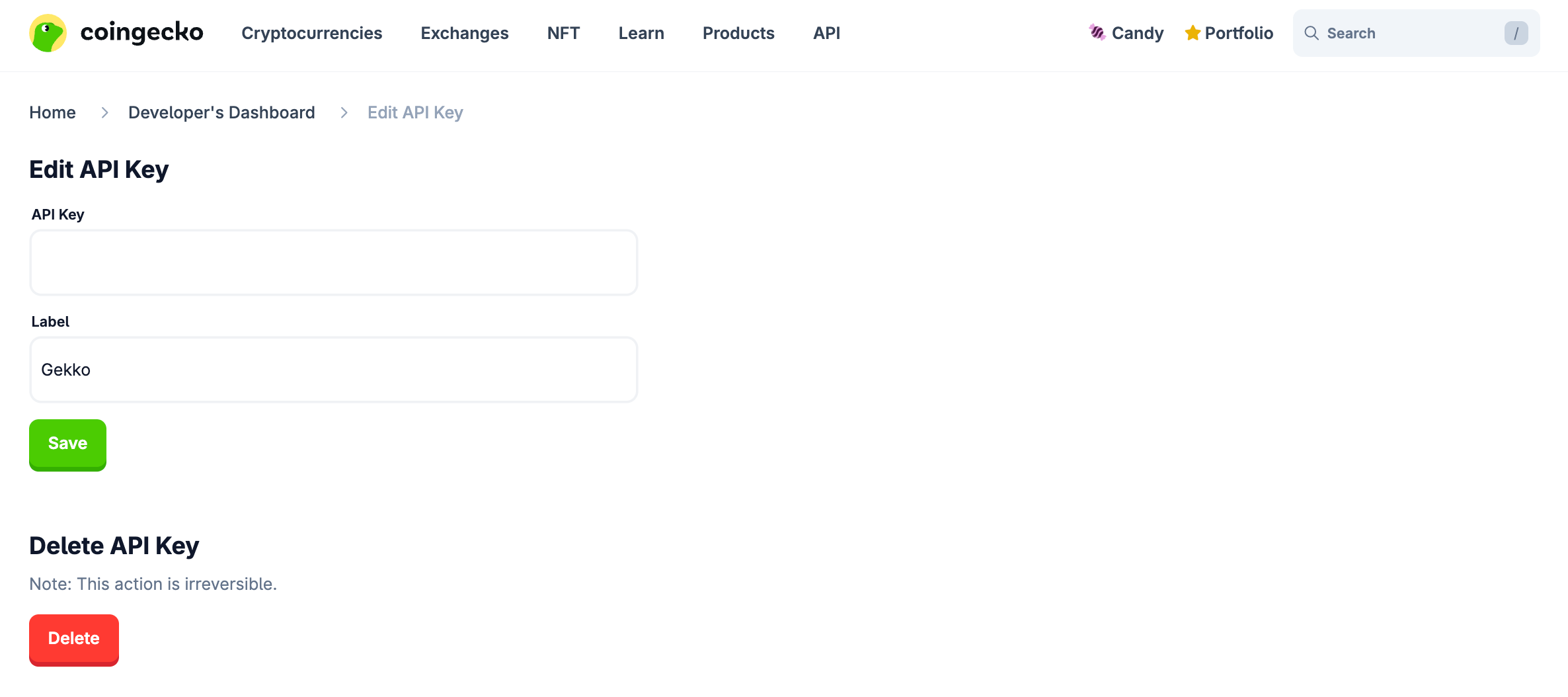
- Go to Developer's Dashboard and click “Edit” button on a specific API Key.
- In case the API Key is compromised, you may delete the API Key by clicking the "Delete" button.
- You may also update the label and save the changes by clicking "Save" button.
4. API Usage Report
-
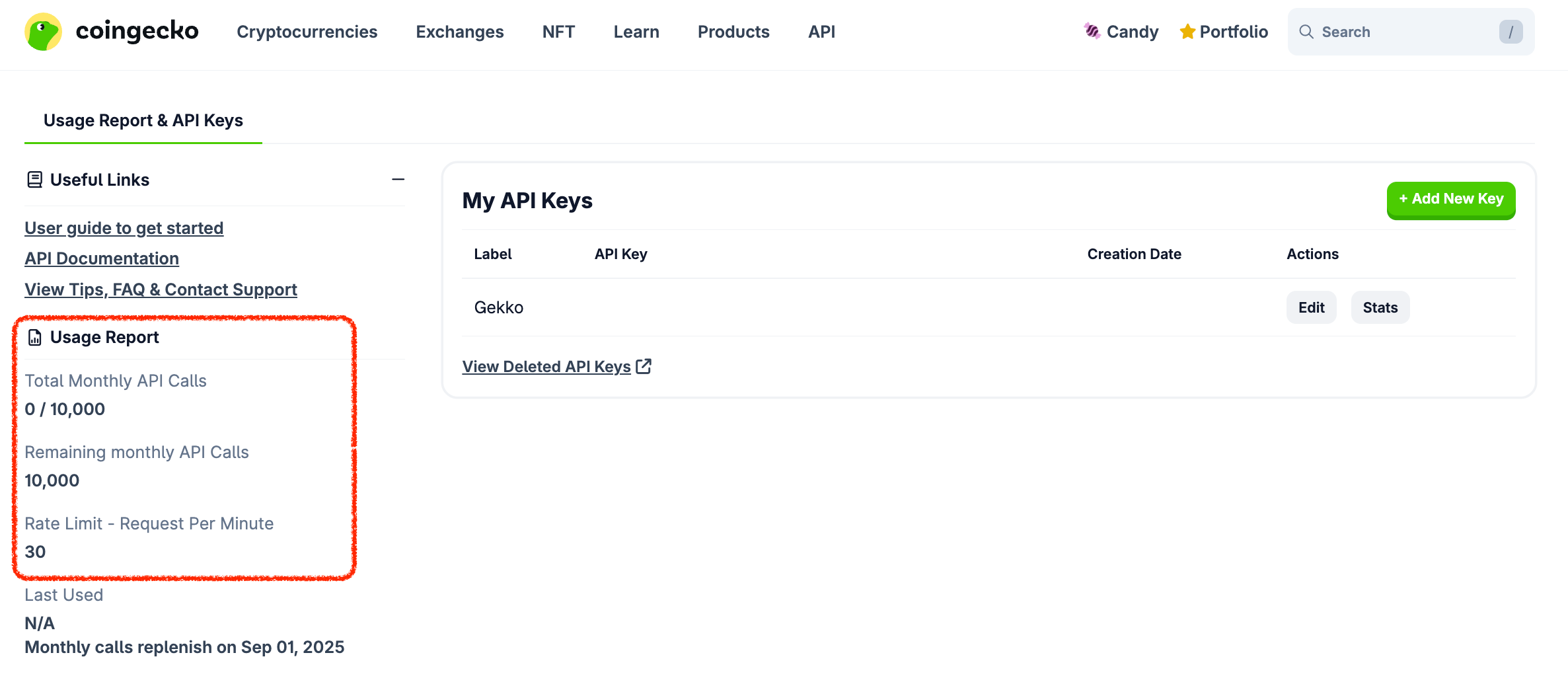
You can monitor your API usage in the Usage Report section, which provides details such as:
-
Total Monthly API Calls.
- Remaining Monthly API Calls.
- Rate Limit (Request Per Minute) — maximum number of API requests allowed in one minute.
- Last Used — the timestamp of the last used instance.
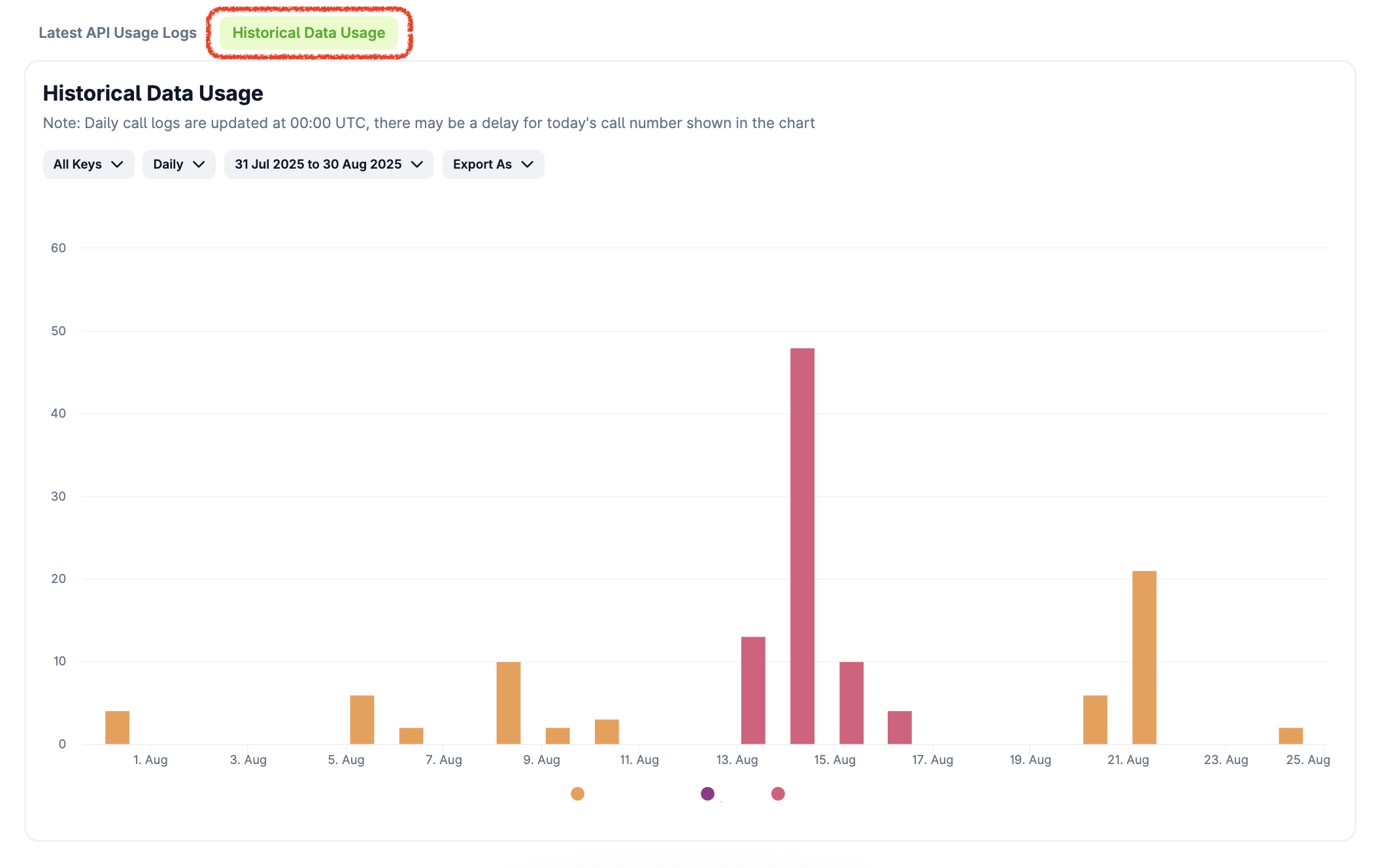
- You can also check your full historical usage by specifying "API Keys", "timeframe" or "date range". You may export as CSV for more comprehensive view.
Call Consumption Alerts
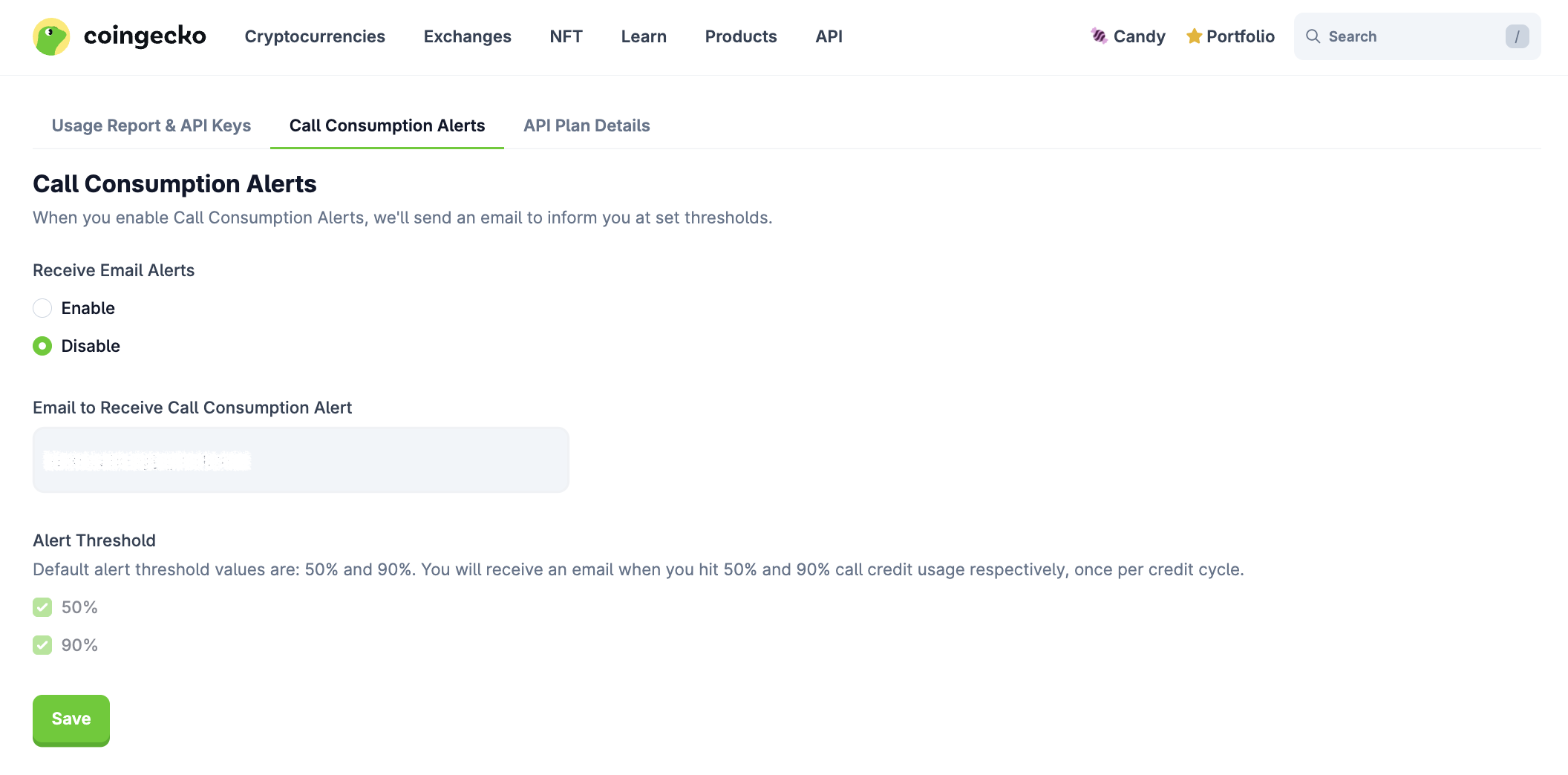
You may enable or disable call consumption alerts in the tab below to receive emails when specific credit usage thresholds are reached.
Overage Option (Beta)
- The overage option enables you to make API calls when your usage exceeds the monthly credits.
- You can activate the overage option by clicking the "Turn On Overage" button, ensuring uninterrupted service and allowing you to continue making API calls or vice versa.